
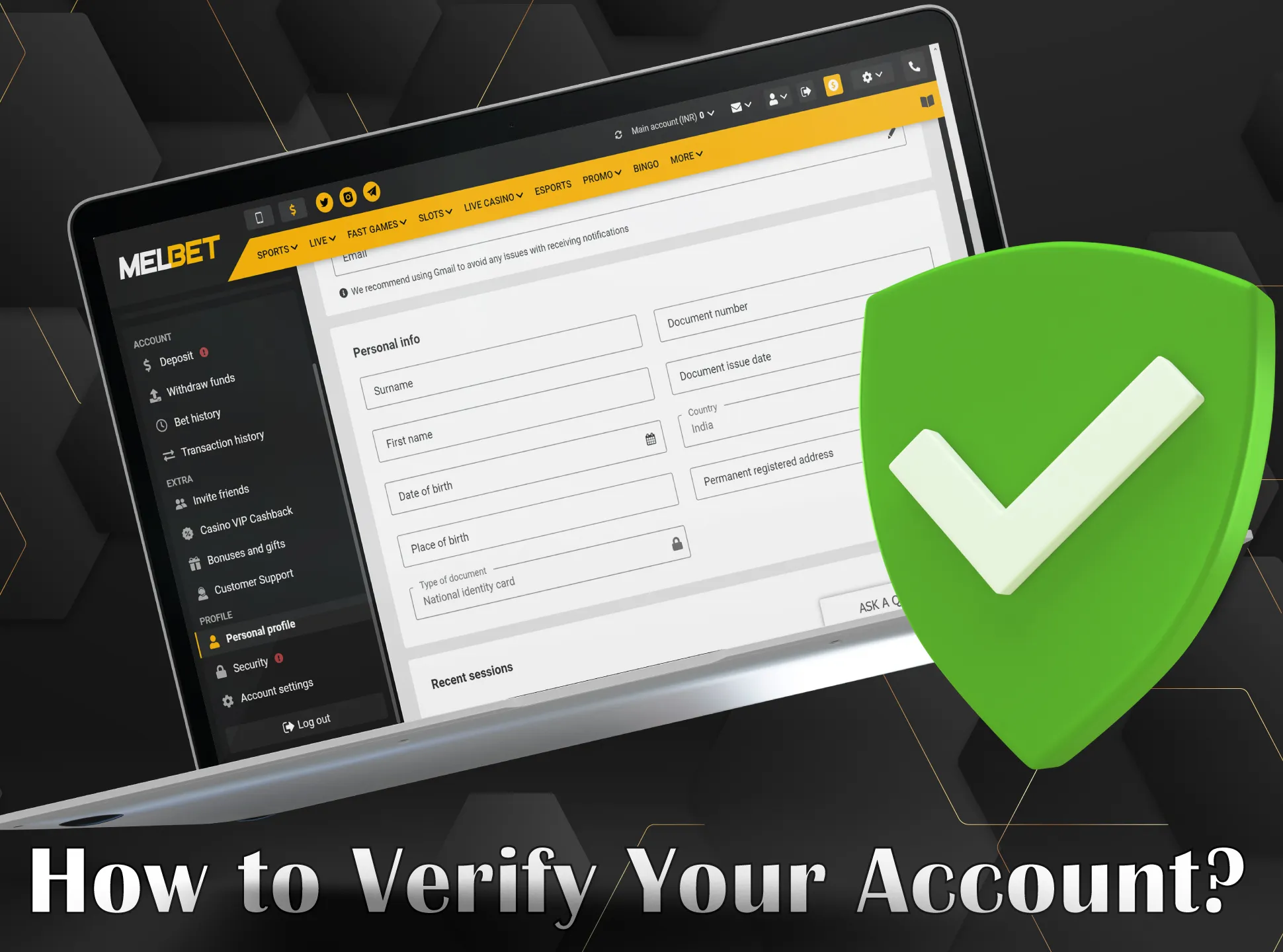
Cricket Online Account Verification: Complete Guide to Secure and Seamless Registration
Introduction
In the rapidly expanding world of online cricket platforms, account verification has become a cornerstone of both user safety and regulatory compliance. Whether you are a casual fan looking to place a few bets, a serious bettor aiming for high‑stakes action, or a content creator wanting to share insights, a verified account ensures that you can access all features without interruption. This article delves into the entire verification process, explains why it matters, outlines step‑by‑step procedures, and offers practical tips to troubleshoot common issues.
Why Account Verification Is Essential
Verification serves multiple purposes. First, it protects users from identity theft and fraud by confirming that the person behind the screen is genuine. Second, regulatory bodies in many jurisdictions require online cricket services to implement Know Your Customer (KYC) protocols to combat money laundering. Third, a verified profile unlocks premium functionalities such as higher betting limits, faster withdrawals, and exclusive promotions. Finally, it builds trust within the community, fostering a safer environment for all participants.
Core Elements of the Verification Process
Most reputable cricket platforms follow a standardized set of verification steps. Below is a breakdown of the typical components you will encounter:
1. Email Confirmation
After registering, you will receive a verification link in your inbox. Clicking the link confirms that you own the provided email address, which is essential for password resets and security alerts.
2. Mobile Number Authentication
A one‑time password (OTP) is sent via SMS or a voice call. This adds a second layer of security, ensuring that only the person with access to the registered phone can complete the sign‑up.
3. Identity Document Upload
To satisfy KYC requirements, you must submit a government‑issued ID such as a passport, driver’s license, or national identity card. The document should be clear, unblurred, and display all relevant details.
4. Address Verification
Proof of residence can be demonstrated through utility bills, bank statements, or a rental agreement dated within the last three months. The address on this document must match the one entered in your profile.
5. Payment Method Confirmation
When you link a bank account, e‑wallet, or credit card, the platform may request a small verification transaction (often a few cents) to confirm ownership of the financial instrument.
Step‑by‑Step Guide to Verify Your Cricket Online Account
Follow these detailed steps to ensure a smooth verification experience:
Step 1: Complete the Initial Registration
Visit the platform’s sign‑up page, enter your personal details, create a strong password, and submit the form. An email containing a verification link will be dispatched instantly.
Step 2: Verify Your Email Address
Open the email (check spam folders if it’s missing) and click the highlighted link. This action redirects you back to the website, confirming your email ownership.
Step 3: Authenticate Your Mobile Number
Enter your mobile number in the designated field. When the OTP arrives, input it promptly. If you encounter delivery delays, use the “Resend OTP” option after waiting a minute.
Step 4: Submit Identity Documents
Navigate to the “Verification” or “KYC” section of your account dashboard. Choose the type of ID you are uploading, then either drag‑and‑drop or browse for the file. Accepted formats typically include JPEG, PNG, and PDF, with file sizes limited to 5 MB. After uploading, the platform’s automated system will scan the document for clarity and authenticity.
Step 5: Provide Proof of Address
Similar to the identity document, upload a recent utility bill or bank statement. Ensure the document displays your full name and residential address clearly. Some platforms also allow you to take a photo with a smartphone camera directly within the app.
Step 6: Confirm Payment Methods
If you intend to deposit funds, link your preferred payment method. The platform may request a temporary micro‑deposit; once you see the exact amount in your bank statement, enter it back on the site to finalize linking.
Step 7: Await Final Approval
After all documents are submitted, verification can take anywhere from a few minutes (for fully automated checks) to 48 hours (if manual review is needed). During this period, you can monitor the status in your account dashboard.
Best Practices for a Hassle‑Free Verification
While the steps appear straightforward, many users encounter obstacles due to avoidable mistakes. Below are proven strategies to streamline the process:
Use High‑Quality Images
Blurred or poorly lit photos are the most common cause of rejections. Use natural lighting, place the document on a flat surface, and ensure all corners are visible.
Match Personal Information Exactly
Names, dates of birth, and addresses must be consistent across all documents. Even a minor typographical variation (e.g., “St.” vs. “Street”) can trigger a mismatch flag.
Keep Documents Current
Most platforms require documents dated within the last three months. Expired IDs or old utility bills will be automatically declined.
Secure Your Internet Connection
Upload documents using a trusted, secure network. Public Wi‑Fi may increase the risk of data interception, and some platforms may block uploads from suspicious IP addresses.
Maintain a Clean Email Inbox
Verification emails can be filtered as spam. Whitelist the platform’s domain to guarantee delivery.
Common Verification Issues and How to Resolve Them
Even with careful preparation, users sometimes run into problems. Here are typical scenarios and their remedies:
Document Rejection
If your ID is rejected, the platform usually provides a reason—such as “blurred image” or “mismatched name.” Review the feedback, correct the issue, and resubmit. Avoid multiple rapid resubmissions; give the system time to process each attempt.
Delayed Approval
When verification takes longer than advertised, contact customer support. Provide your verification reference number, and ask if additional documentation is needed.
OTP Not Received
Check that your phone number is entered correctly, including the country code. If you still do not receive an OTP, try switching to a voice call option or request a new code after a short wait.
Account Locked After Multiple Failed Attempts
Security algorithms may lock an account after several incorrect OTP entries. In such cases, use the “Forgot Password” flow or reach out to support for a manual unlock.
Real‑World Examples of Verified Accounts in Action
Verified members enjoy benefits that unverified users cannot access. For instance, a user who has completed the full KYC process can instantly withdraw winnings without the typical 24‑hour pending period. Another benefit is eligibility for special tournaments that require a “cricket id online” status, granting access to exclusive betting markets and higher stakes. Moreover, verified accounts often receive personalized offers, such as a “mahakal book” promotion that rewards loyal bettors with bonus credits.
Integrating Verification with Third‑Party Platforms
Many online cricket services partner with affiliate networks and betting aggregators. To maintain seamless integration, these partners also mandate KYC compliance. For example, affiliates promoting the “betbhai9 id” must ensure their referred users complete verification; otherwise, commissions may be withheld. Similarly, the “gullybet id” ecosystem relies on a standardized verification workflow to guarantee that all participants meet regulatory standards.
Future Trends in Account Verification
Technology continues to evolve, bringing new tools to simplify verification while bolstering security. Biometric authentication, such as fingerprint or facial recognition, is being piloted by several platforms to replace traditional document uploads. Blockchain‑based identity solutions promise immutable, privacy‑preserving verification records that users can control. Artificial intelligence continues to improve document validation speed and accuracy, reducing manual review times dramatically.
Conclusion
Account verification is no longer a mere formality; it is an essential safeguard that protects users, ensures regulatory compliance, and unlocks the full suite of features on cricket online platforms. By following the structured steps outlined above, adhering to best practices, and promptly addressing any issues, users can enjoy a secure, uninterrupted experience. As the industry adopts advanced verification technologies, the process will become even more streamlined, offering both heightened security and greater convenience for the global cricket community.